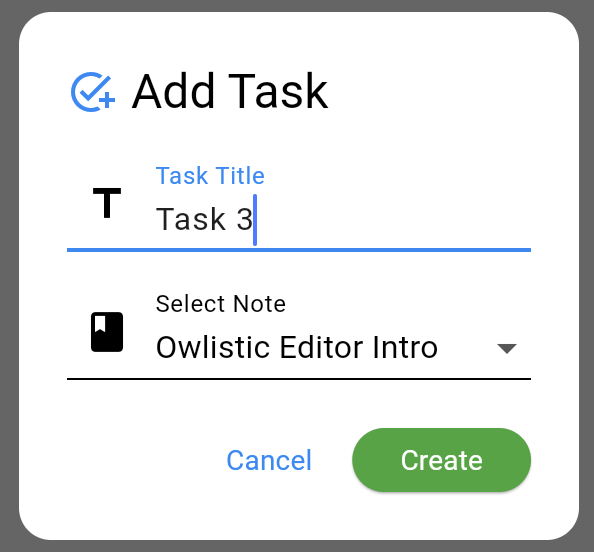
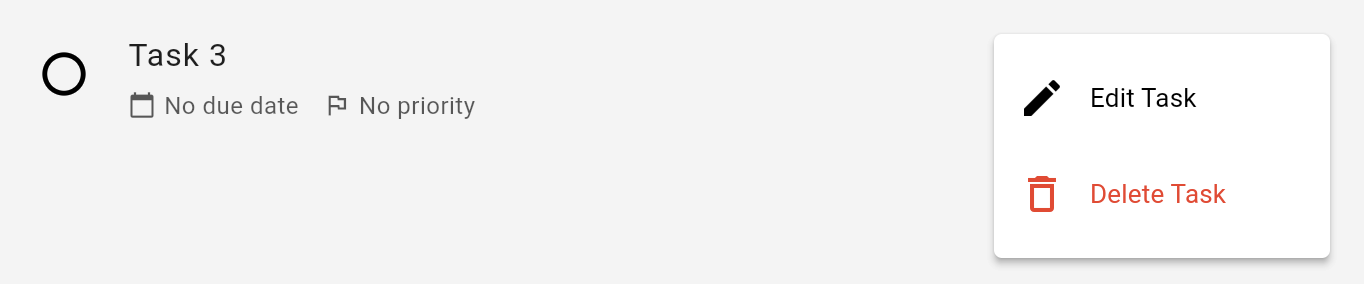
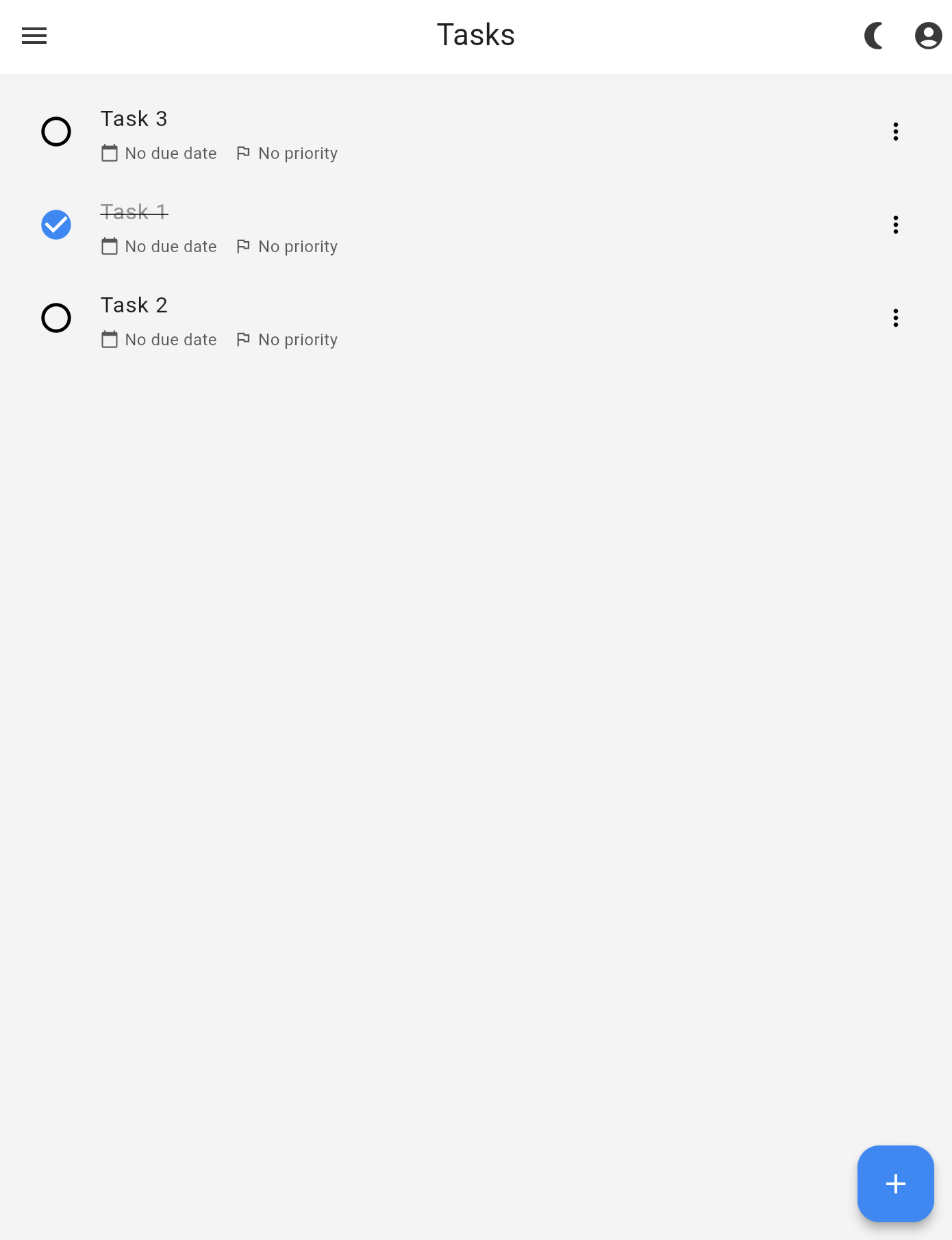
FeaturesTasksOn this pageTasks Overview Owlistic supports the creation and management of tasks. You can create a task by tapping on the "+" button in the top right corner of the screen. Creating tasks To create a new notebook, press . You can then enter a title for your notebook and save it. Editing tasks Inline tasks
 . You can then enter a title for your notebook and save it.